
SpeedBox 3.1 for TQ (HPR40, HPR50, HPR60)
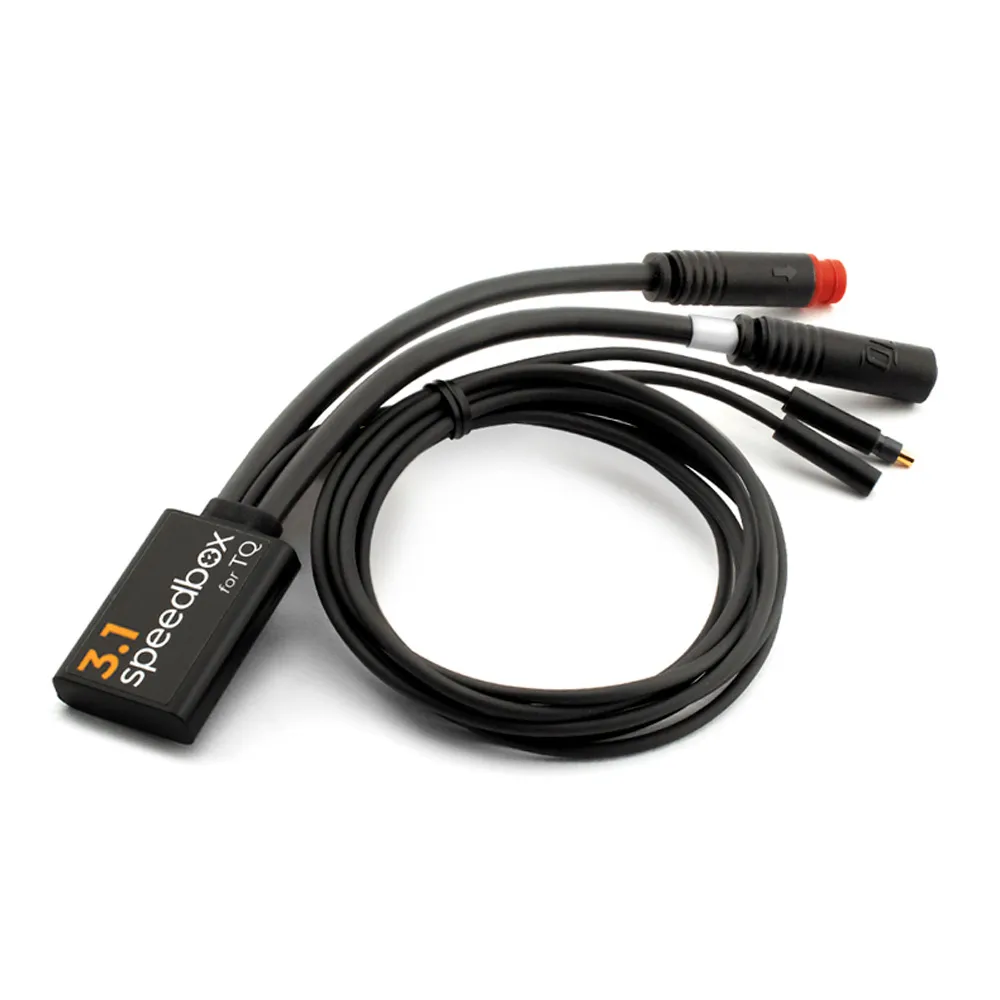
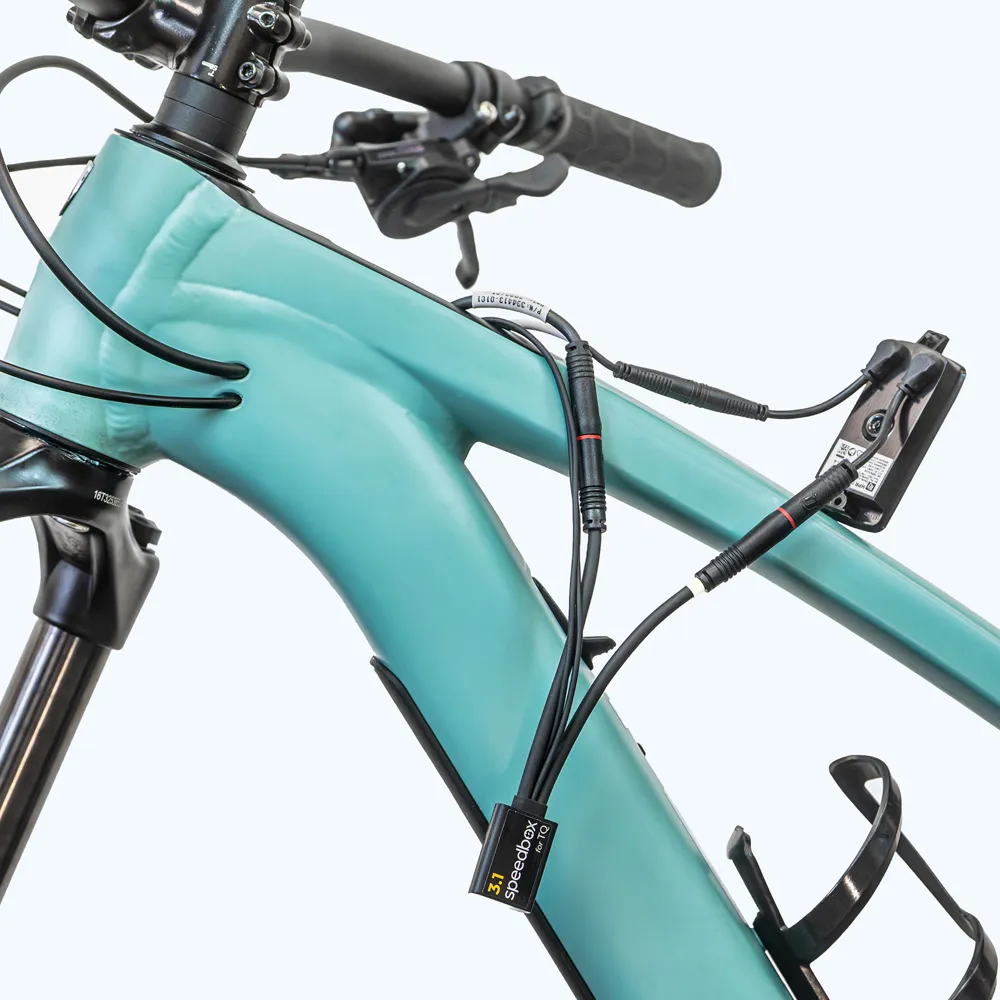
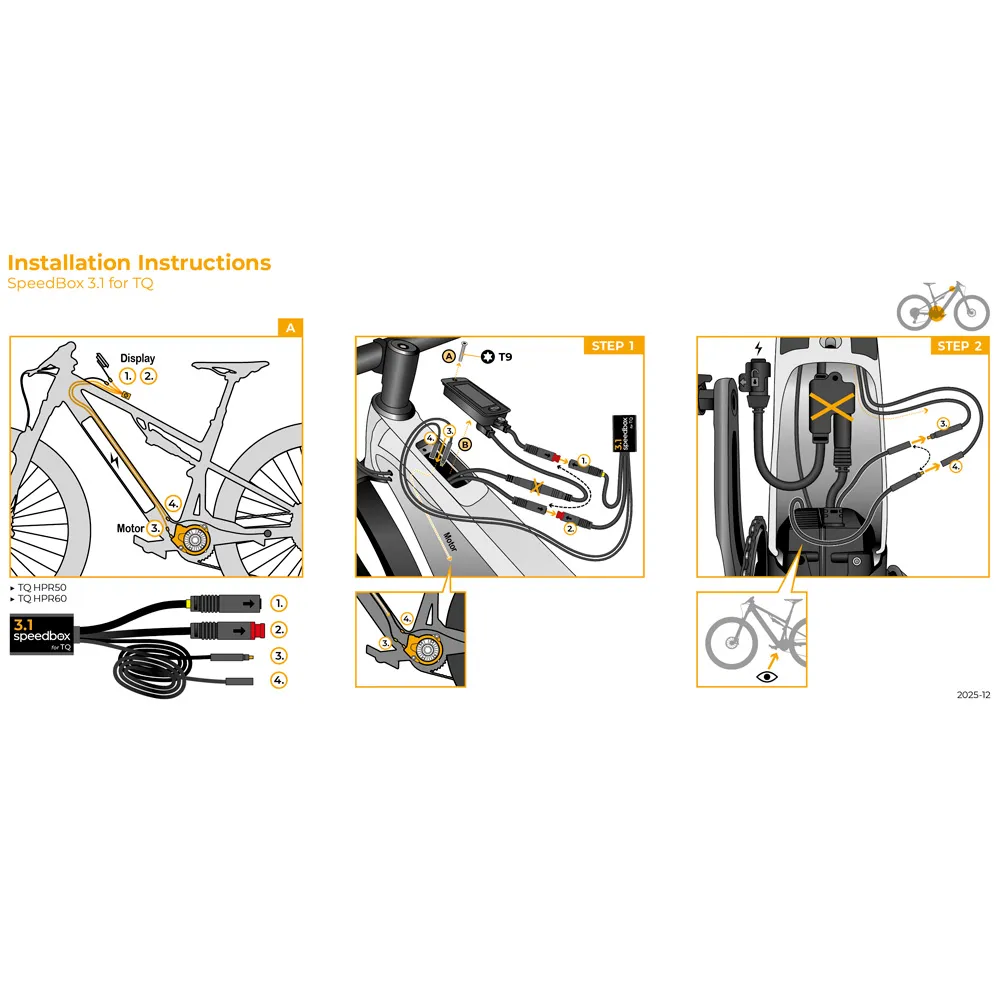
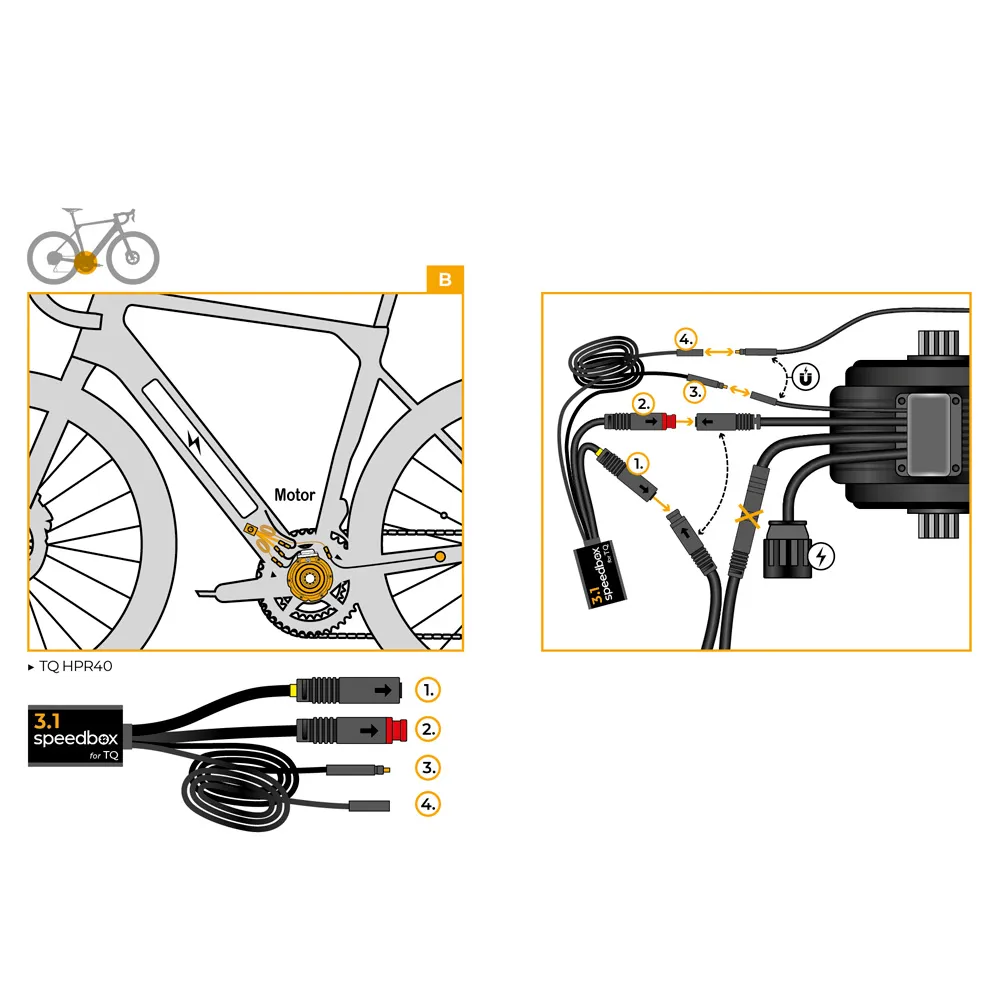
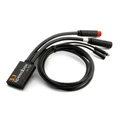
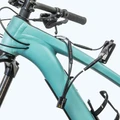
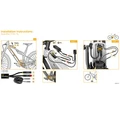
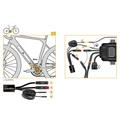
SpeedBox 3.1 for TQ (HPR40, HPR50, HPR60)
An intelligent third-generation tuning chip that lets you adjust your e-bike’s speed limit to suit your needs on TQ HPR40, HPR50, HPR60 motors. With the SpeedBox 3.1 tuning chip, you can select your desired speed limit. Once installed, your e-bike's display will show real data, such as maximum and average speeds, daily distance, and remaining range.
Make your e-biking experience limitless!
Features:
- Activation: with the assist buttons ↑↓↑↓ or WALK + ↓↑
- Always activate before riding!
- Maximum speed: unlimited
- Speed limit setting: yes
- Display shows: real values
- Compatible motors: TQ - HPR40, HPR50, HPR60
Warning:
Please note that using this type of modified e-bike on public roads may be illegal. The manufacturer and retailer accept no responsibility for any damages resulting from the use of SpeedBox products. E-bikes equipped with SpeedBox products are not to be used on public roads, bike paths, or in public spaces. E-bikes equipped with SpeedBox products are intended for use only on private property and entirely at your own risk. Using SpeedBox may void your bike’s warranty. We highly recommend using other safety features and protective gear to prevent injuries.
We do not recommend updating your bike’s software, as updates may affect the performance of the box.

SpeedBox 3.1 for TQ – User Manual
Activating and Deactivating the Tuning
The tuning is activated by quickly pressing the assist mode buttons in the following sequence:
↑ ↓ ↑ ↓ or alternatively ↓ ↑ ↓ ↑.
When tuning is active, 99 km/h will briefly appear on the display. After this, the e-assist will no longer be speed-limited—the top speed will depend only on your pedaling cadence.
You can deactivate the tuning by repeating the same button sequence. In this case, 25 km/h will appear on the display, indicating the tuning is turned off.
Alternatively, you can activate or deactivate the tuning by holding down the WALK button and then pressing ↑ ↓.
We recommend activating or deactivating the tuning before starting your ride.
Setting the Maximum Speed
You can set your desired speed limit by pressing the assist mode buttons in the following sequence:
↓ ↓ ↓ and then ↑ ↑ ↑. The currently set speed limit will appear on the display.
You can adjust the speed limit by spinning the rear wheel. Each full rotation increases the speed limit by 5 km/h. The speed limit can also be adjusted using the WALK + ↑ ↓ combination.
The last selected speed limit is saved automatically if no adjustments are made within 5 seconds.


