
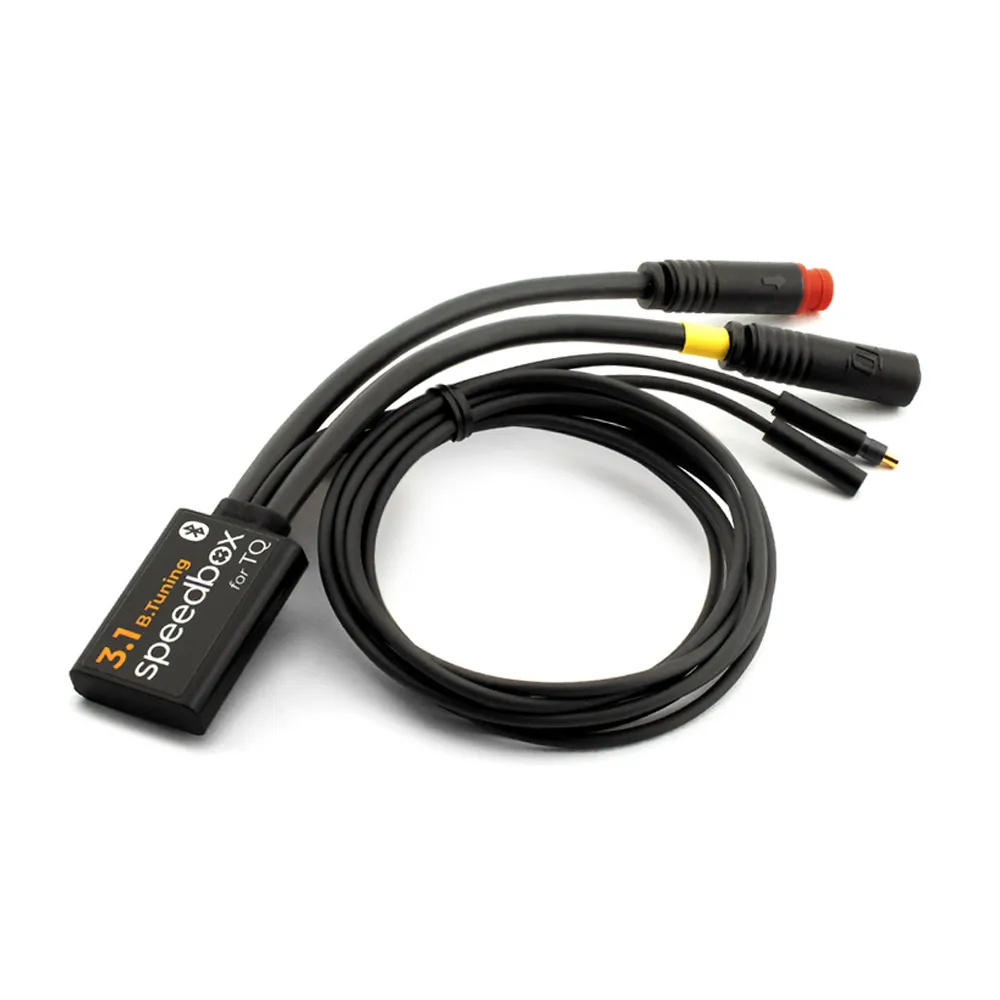
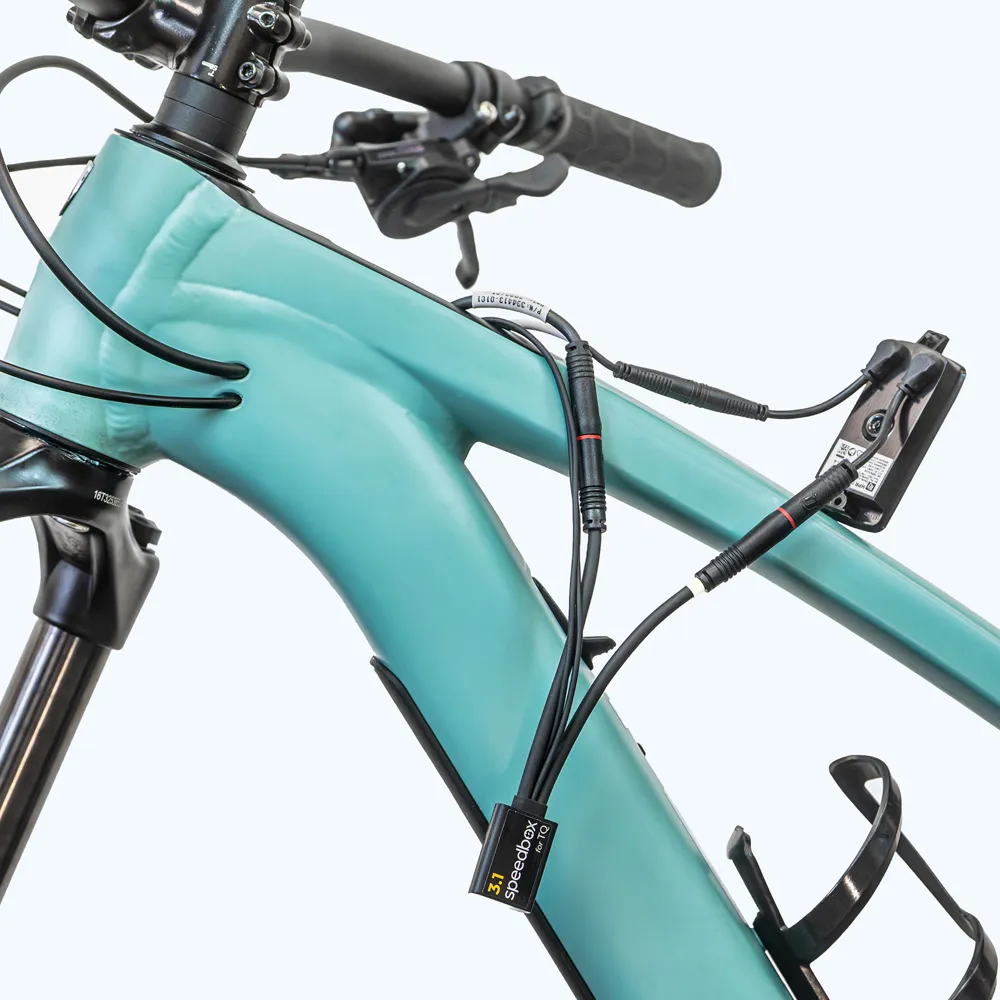
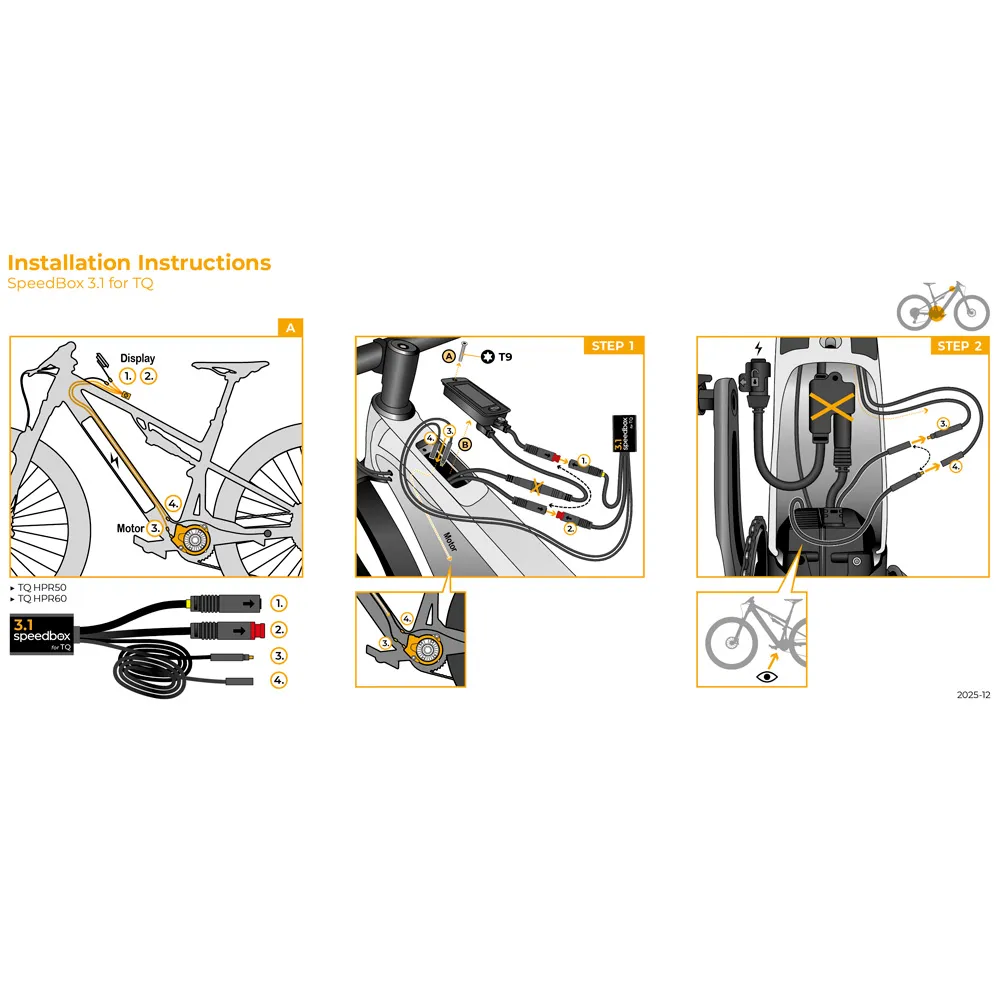
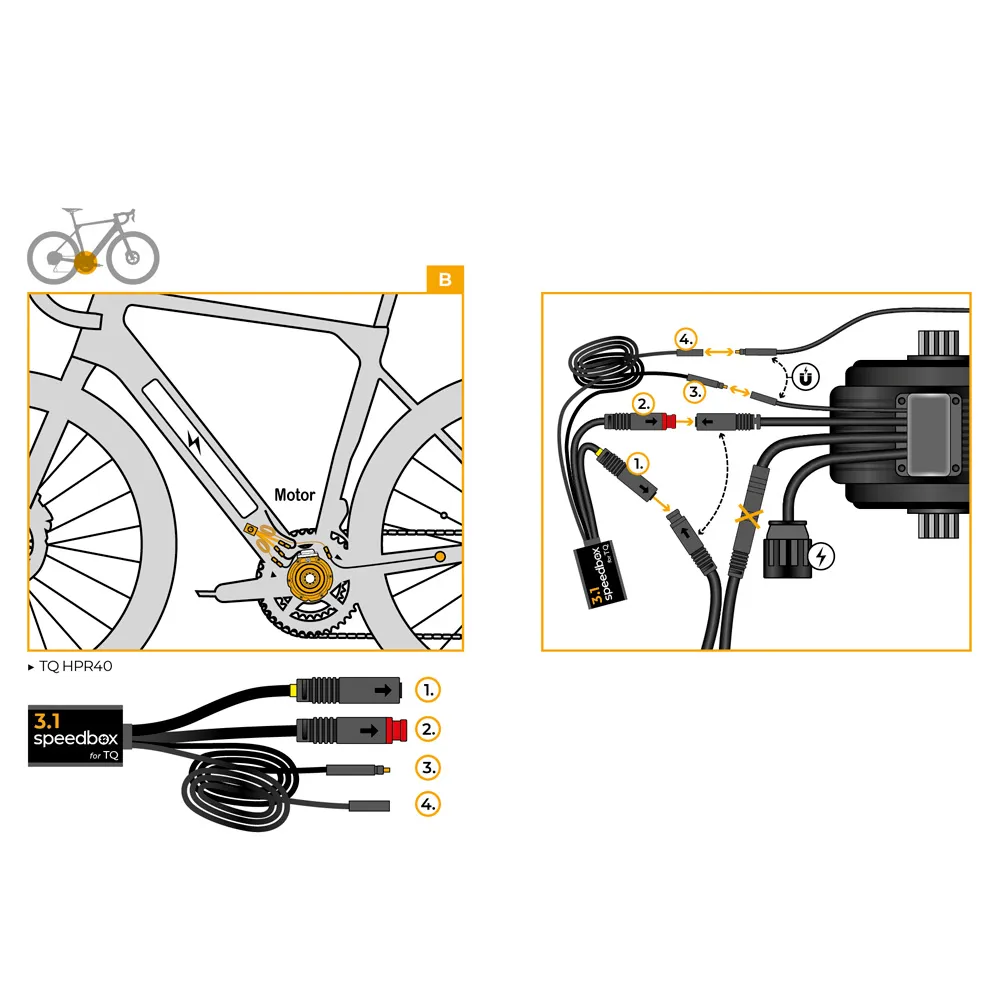
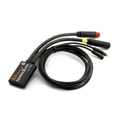
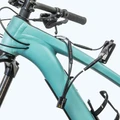
SpeedBox 3.1 B.Tuning for TQ (HPR40, HPR50, HPR60)
Intelligent third-generation tuning chip that allows you to adjust your e-bike's speed limit according to your needs for TQ HPR40, HPR50, and HPR60 motors. With the SpeedBox 3.1 B.Tuning chip, you can set your preferred speed restriction. Once installed, your e-bike display will show accurate data such as maximum and average speeds, daily distance, and remaining range.
Make your e-biking experience limitless!
Features:
- Activation: SpeedBox App, with assist buttons ↑↓↑↓ or WALK + ↓↑
- Activate before every ride!
- Maximum speed: unlimited
- Speed limit setting: yes
- Display shows: actual values
- Compatible motors: TQ - HPR40, HPR50, HPR60
Warning:
Please note that using this type of modified e-bike on public roads may be illegal. The manufacturer and retailer assume no responsibility for any damages resulting from the use of SpeedBox products. E-bikes equipped with SpeedBox products must not be used on public roads, bike paths, or in public areas. E-bikes with SpeedBox products are intended for use on private property only and entirely at your own risk. Using SpeedBox may void your bike's warranty. We strongly recommend using additional safety features and protective gear to prevent injuries.
We do not recommend updating your bike’s software, as updates may affect the operation of the box.

SpeedBox 3.1 for TQ – User Manual
Activating and Deactivating the Tuning
To activate the tuning, quickly press the assist levels in the following order:
↑ ↓ ↑ ↓ or alternatively ↓ ↑ ↓ ↑.
When the tuning is active, the display will briefly show 99 km/h. After that, the electric assist will no longer be limited by speed, and the maximum speed is determined only by your pedaling cadence.
To deactivate the tuning, repeat the same button sequence. The display will then show 25 km/h, indicating that the tuning is off.
Alternatively, you can activate or deactivate the tuning by holding down the WALK button and then pressing ↑ ↓.
We recommend activating or deactivating the tuning before you start riding.
Setting the Maximum Speed
You can set your desired speed limit by pressing the assist levels in the following sequence:
↓ ↓ ↓ and then ↑ ↑ ↑. The currently set speed limit will appear on the display.
You can change the speed limit by spinning the rear wheel. Each full rotation increases the speed limit by 5 km/h. The speed limit can also be adjusted using the WALK + ↑ ↓ combination.
The last selected speed limit is automatically saved after 5 seconds of inactivity.
SpeedBox App
The SpeedBox App is a special application designed for SpeedBox B.Tuning, which uses Bluetooth technology to connect your e-bike to your mobile phone. Once you have downloaded the app and paired your phone with your e-bike, you’ll be able to view real-time data and ride parameters on your phone. Individual rides can be recorded, allowing you to compare results with friends and track your performance together. So just enjoy the ride and check your data whenever you want!
Features of the SpeedBox App:
- Tuning control
- Speed limit setting
- Ride recording and viewing
- Invisible mode
- Motor diagnostics
SpeedBox B.Tuning is not limited to working only with the SpeedBox App. However, it’s a great tool that gives you a complete overview of your performance.
Download the SpeedBox App to your phone before ordering the SpeedBox B.Tuning chip. You can try our demo version and explore all the great features, while making sure the app works perfectly on your device. To connect to SpeedBox B.Tuning, your phone must have Bluetooth 4.0 or higher.
-
mkToimii speksien mukaan Asennettu Scot Solace Gravel eRide 10 (TQHPR50) 2024 ja toimii kuten spekseissä kerrottiin. Pyörässä ei ole kuin yksi nappi näytössä, joten pitää aina aktivoida kännykällä.
-
KSiSpeedbox Speedbox toimii kuten pitää, mutta se satasen kalliimman version Bluetooth -yhteys kännykkään ei oikein pelaa ja sen kautta mitään dataa en ole saanut tallennettua. Eipä tuolla väliä, käytän Garminia, turhaan taisi se satanen siihen mennä. Muuten kyllä pelittää ja se riittää.


