
PearTune MSO Tuning e-bike Flyon TQ
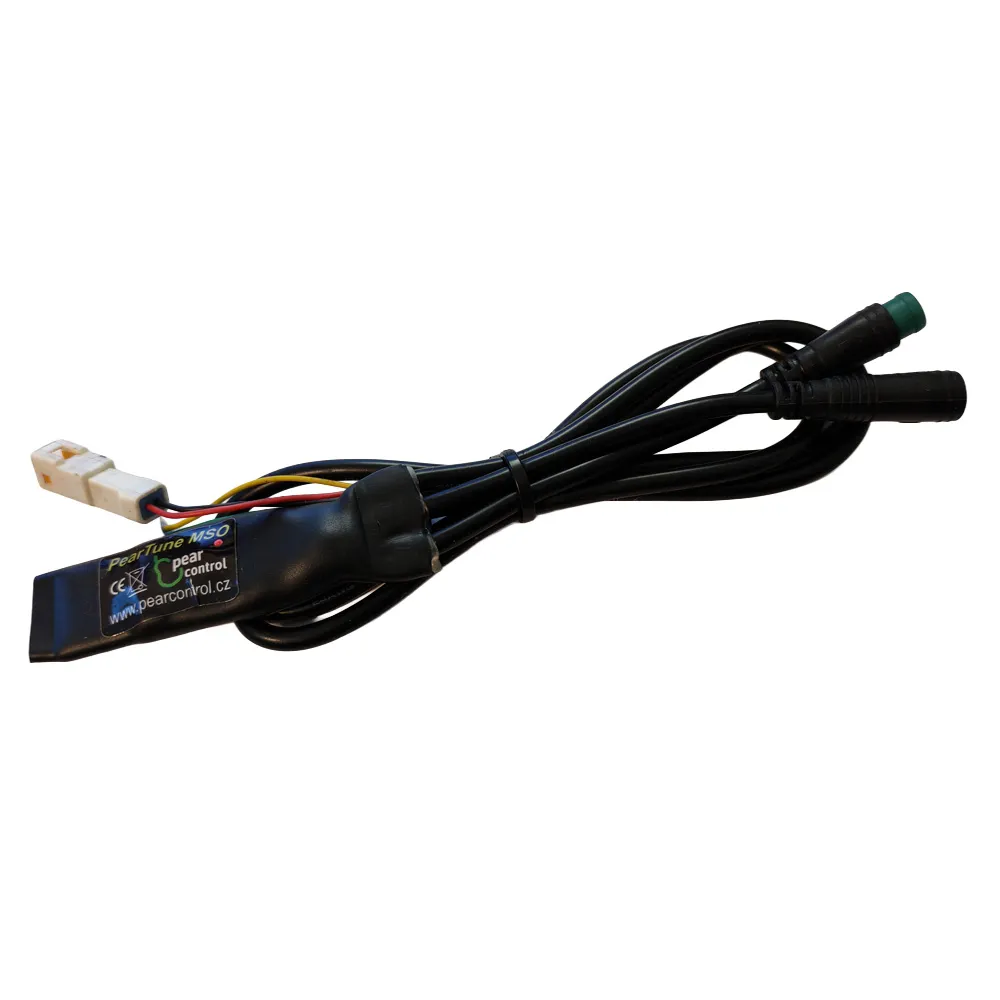
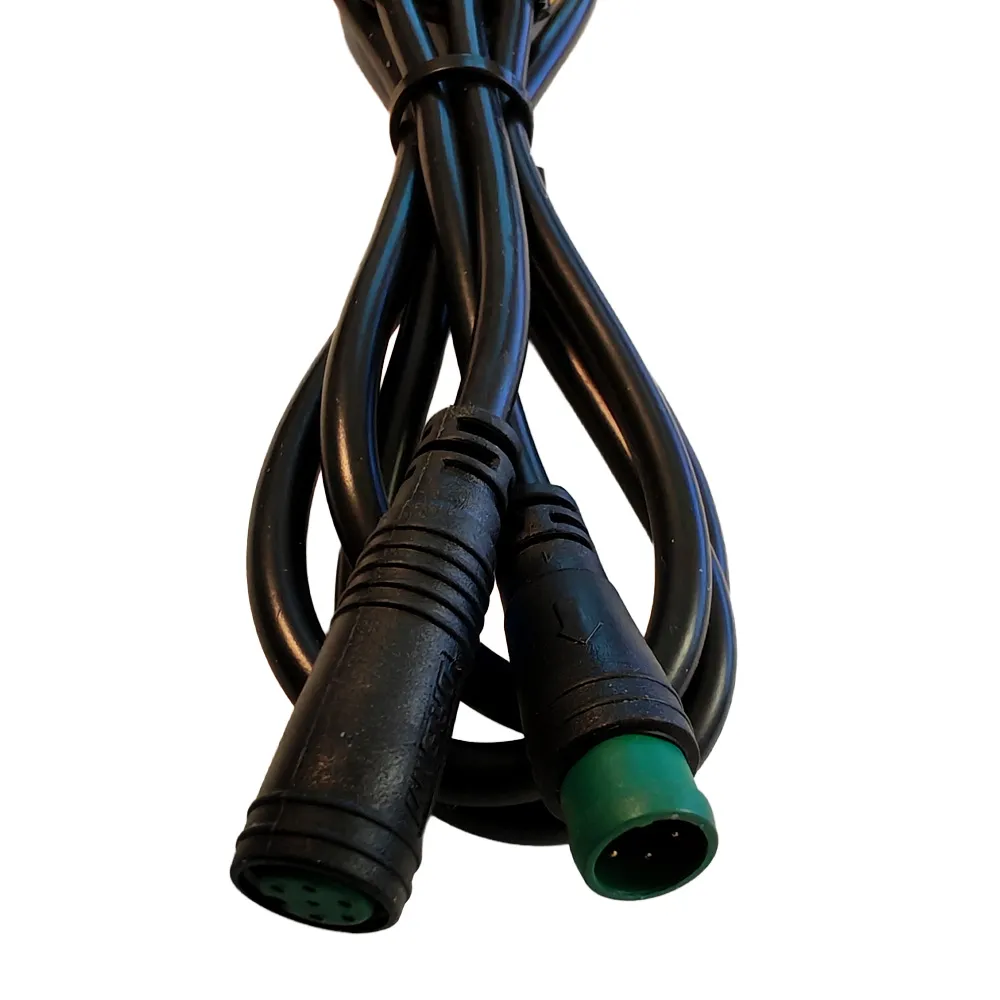
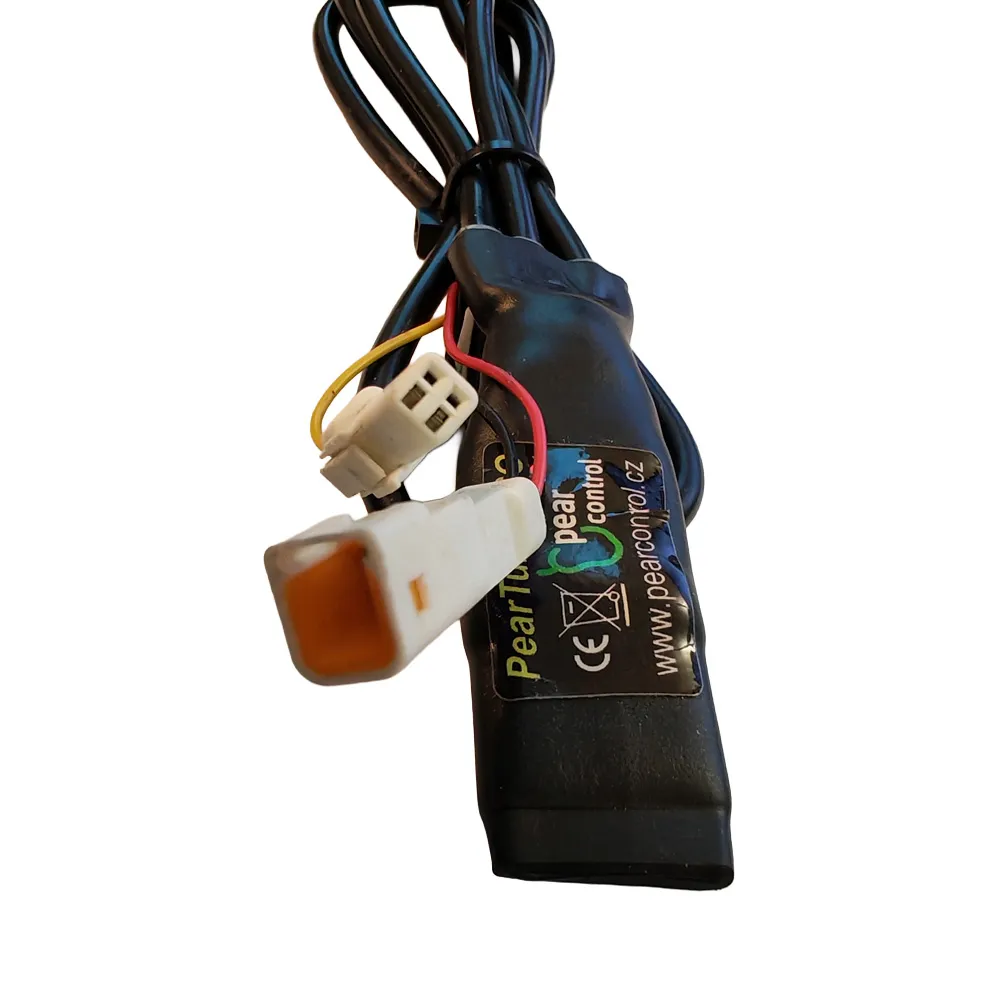

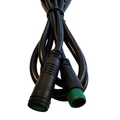
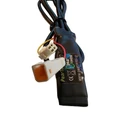

PearTune MSO Tuning e-bike – Haibike Flyon TQ
The PearTune MSO-TQ is a powerful and discreet tuning module for Haibike FLYON TQ motors, allowing you to completely remove the speed limiter from your e-bike. The module connects using the bike's original connectors, so installation is fast and hassle-free – Plug & Play, with no wire cutting or special tools required.
Tuning can be activated or deactivated at any time while riding, and the display shows the actual speed values, increasing the reliability of your ride data. All original button functions remain unchanged.
✔ Speed limiter fully removed
✔ Plug & Play – uses original connectors
✔ True speed displayed on screen
✔ Activation while riding
✔ Discreet and easy installation
Features
- Speed Limiter: Removed (MSO – Max Speed Off)
- Activation / Deactivation:
- With the LIGHT button, or
- With the + and – buttons
- True speed values displayed on screen
Compatibility
- Haibike Flyon
- TQ motors
Technical Specifications
- Product type: E-bike tuning module
- Installation: Plug & Play
- Connections: Original connectors
- Programming: Not required
Warning:
Please note that using this type of modified e-bike on public roads may be illegal. The manufacturer and reseller accept no liability for any damages caused by the use of PearTune products. E-bikes equipped with PearTune products must not be used on public roads, bike paths, or public places. E-bikes with PearTune installed are intended for use exclusively on private property and entirely at your own risk. Using PearTune may void your bike’s warranty. We strongly recommend using additional safety features and protective gear to prevent injury.
We do not recommend updating your bike’s software, as doing so may affect the operation of the tuning box.
Installation Instructions
1. First, remove the plastic cover and detach the battery. See image 1.
2. Remove the four screws holding the motor cover.
(Note: There is a GPS unit under the cover.) See image 2.
3. After removing the chain, unscrew both bolts
(you’ll hear a noticeable click when opening – this is a safety feature to prevent unintentional loosening)
and remove the motor. See image 3.
4. Remove the cable guard and route the speed sensor wiring
from next to the battery to the motor. See image 4.
5. Disconnect the speed sensor connectors. See image 5.
(The connector body is marked in red)
and connect it to PearTune MSO.
6. When reassembling, make sure the connector’s gasket
is properly in place.
7. Remove the display and connect PearTune MSO to the DIN connectors. See image 7.
8. Switch PearTune MSO on (or off)
by quickly pressing button number 6 twice –
See image 8, according to the left and right blue arrows.
PearTune MSO activation is indicated on the display by a brief
flash of 9 km/h, and deactivation
by a brief flash of 2 km/h.


